How to Set Up Your First Story on RedQuill
March 20, 2026
•
cat
You’ve got an idea. Maybe it’s vague, maybe it’s extremely specific. Either way, here’s how to turn it into a story that actually goes where you want it to.
Step 1: Open the Create Dialog
Hit Create Story from anywhere on the site. You’ll see a text editor and a few tabs. Don’t rush past them.
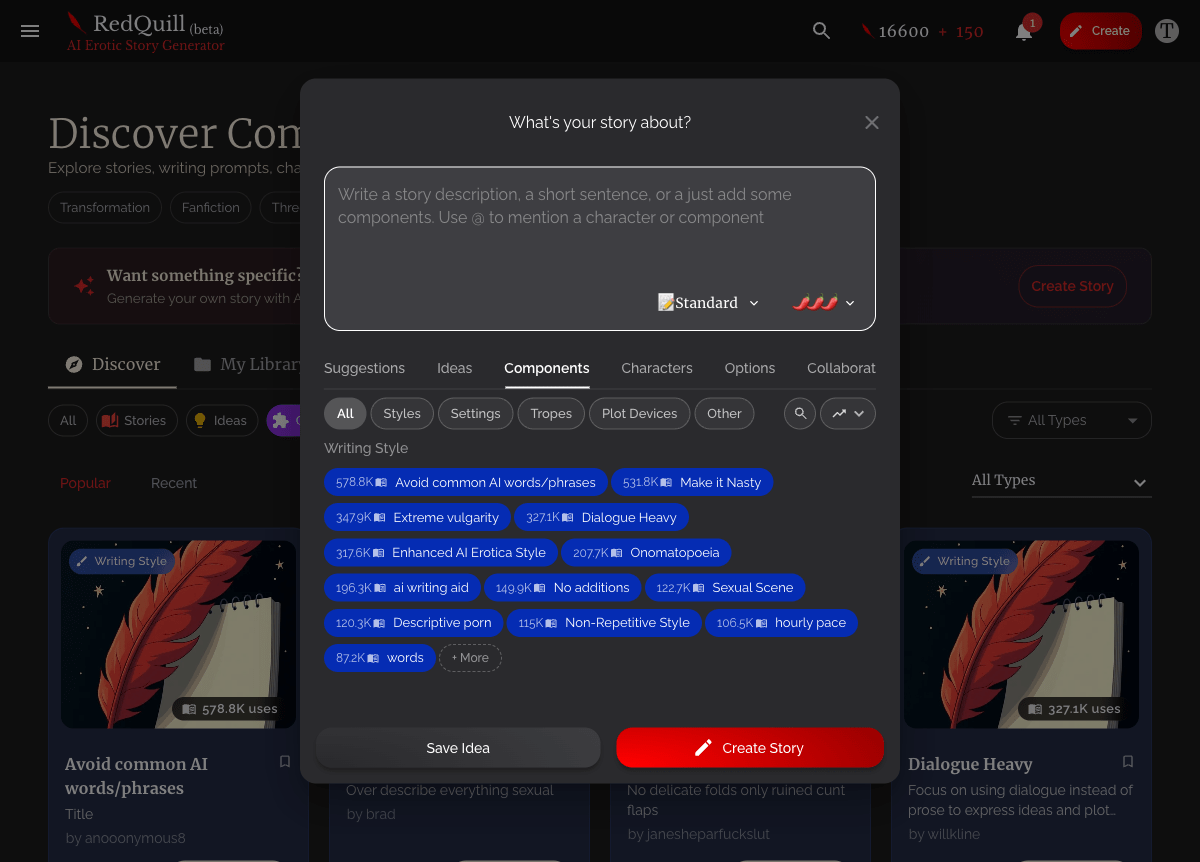
The Components tab in the story creation dialog lets you search and add characters before you start writing
The Suggestions and Ideas tabs allow you to browse and insert pre-written prompts that can start your story.
Step 2: Write Your Prompt
This is the big text box. Tell RedQuill what your story is about. You don’t need to write a novel here, but give it something to work with.
Too vague:
Two people meet at a bar.
Better:
A reserved librarian in her 30s walks into a dive bar on a dare from her best friend. The bartender, a woman with tattoos and a sharp tongue, decides to make the night interesting.
The more specific you are about who, where, and what’s happening, the better your first chapter will be.
Step 3: Add Characters and Components
Switch to the Components tab. This is where you attach the building blocks that shape your story.
You can:
- Search your library for characters and settings you’ve already created
- Browse community components other RedQuillers have published
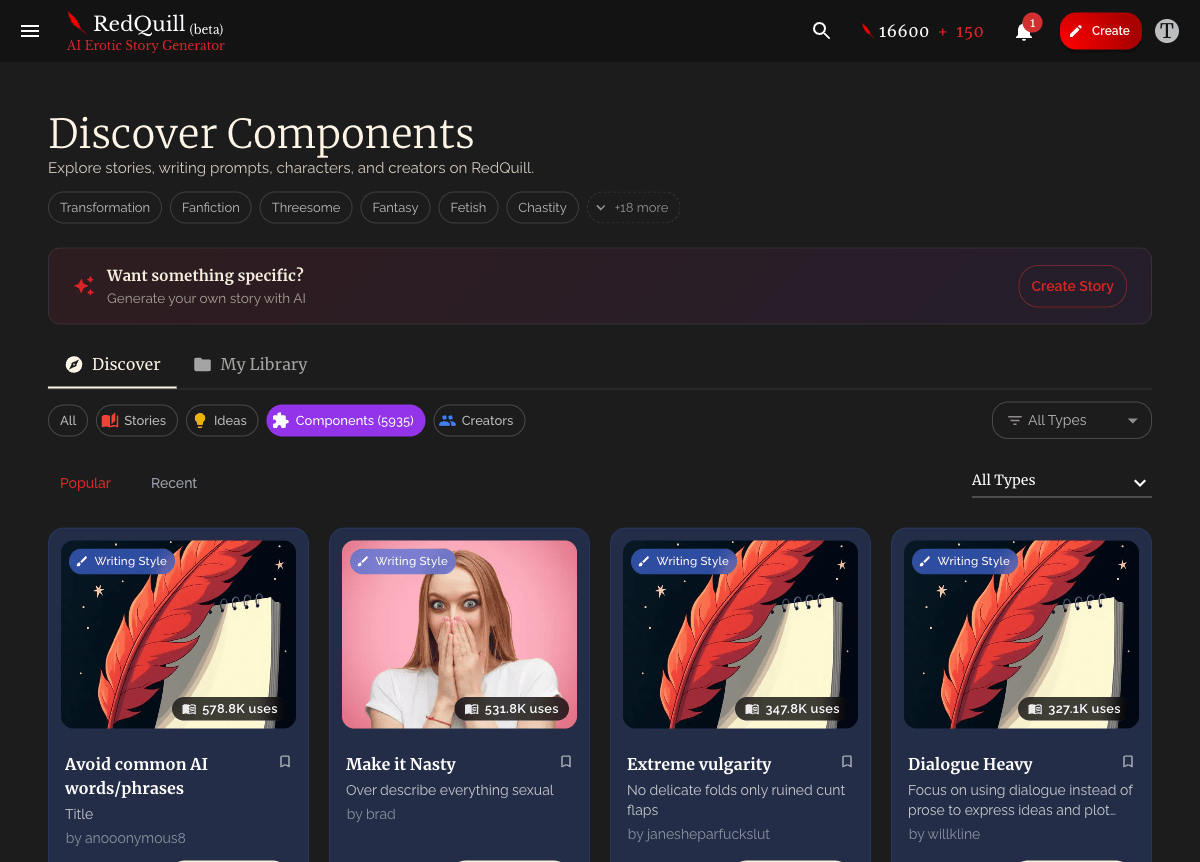
- Use AI suggestions that appear based on your prompt
You can also type @ in the prompt editor to mention a component inline. This pulls it into your story directly.
You don’t need components to start. But even one well-described character changes the output dramatically. If you’re new, try adding a single character with a detailed description and see the difference. For more on building characters, check out Characters 101.
Step 4: Set Your Options
Click the Options tab. Here’s what matters:
- Spice level. How explicit you want the first chapter. Ranges from None (wholesome) to Spicy (explicit and intense). You can change this chapter by chapter later.
- Chapter length. Standard is free. Novella and Novel length cost extra quills but give you more per chapter.
- Perspective. First person, second person, third person, or let the AI decide. Second person works great for x-reader stories. Third person gives you more flexibility with multiple characters.
- Notes for AI. Free-form instructions the AI reads alongside your prompt. Use this for anything you want to set up front: “Keep the pacing slow,” “Don’t reveal the twist until chapter 3,” “Write in a literary style.”

Step 5: Hit Create
Choose your AI model (subscribers get options here) and hit Create Story. Your first chapter generates and you’re off.
After Your First Chapter
After your first chapter, RedQuill builds a Lorebook for your story automatically. It tracks chapter summaries, detects characters, and stores your components. This is how the AI remembers what happened as you write more chapters.
When you’re ready to continue, you’ll see 3 suggested prompts for what could happen next at the end of each story. Pick one, edit it, or write your own. Each chapter builds on everything that came before.

Quick Setup Checklist
| Do This | Why |
|---|---|
| Write a specific opening prompt | Gives the AI a clear starting point instead of generic output |
| Add 1-3 characters with detailed descriptions | Characters with personality details, speech patterns, and physical traits get written consistently |
| Set your spice level | Saves you from getting content that’s too tame or too intense for chapter one |
| Pick a perspective | Especially if you want second person (x-reader) or a specific POV |
| Use Notes for AI for anything extra | Tone, pacing, themes, things to avoid |
Your First Story Doesn’t Have to Be Perfect
Your first story doesn’t have to be perfect. Create it, see what the AI gives you, and adjust from there. You can edit chapters, rewrite them, fork your story to try a different direction, or just start fresh with what you learned.
The best way to learn RedQuill is to write a story. Start one now and see what happens.
Share this article
Share this article (for the bold)
Ready to generate your own erotica?
Turn your fantasies into personalized AI‑generated stories in seconds with RedQuill.
Start generating now RedQuill